← Back to Blog

How to Never Miss a Cautionary Tales Limited Drop

Never miss a Cautionary Tales limited drop again. Learn where to get alerts, how to set up notifications, and tips to check out before items sell out.

Why Limited Drops Are So Popular Among Fans

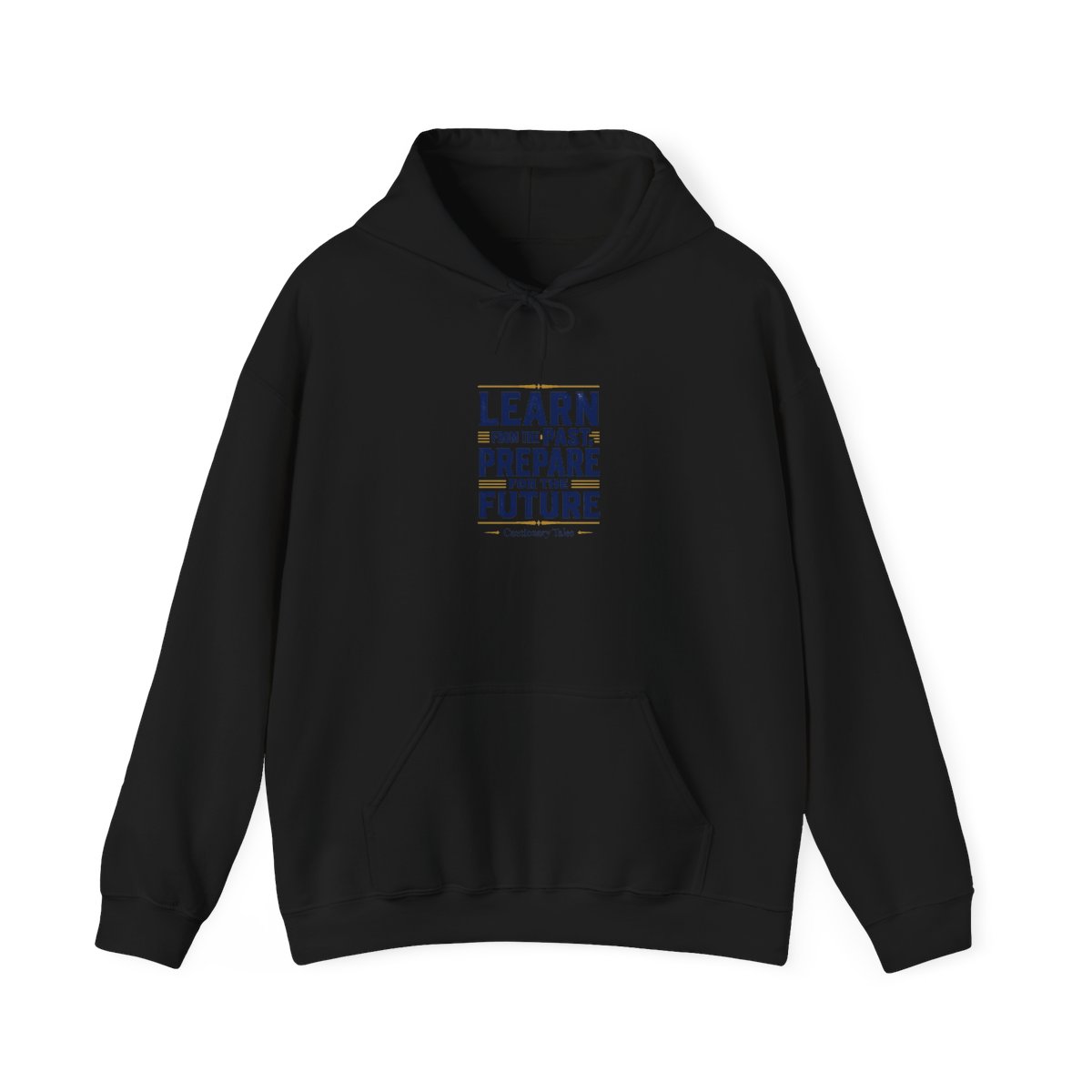
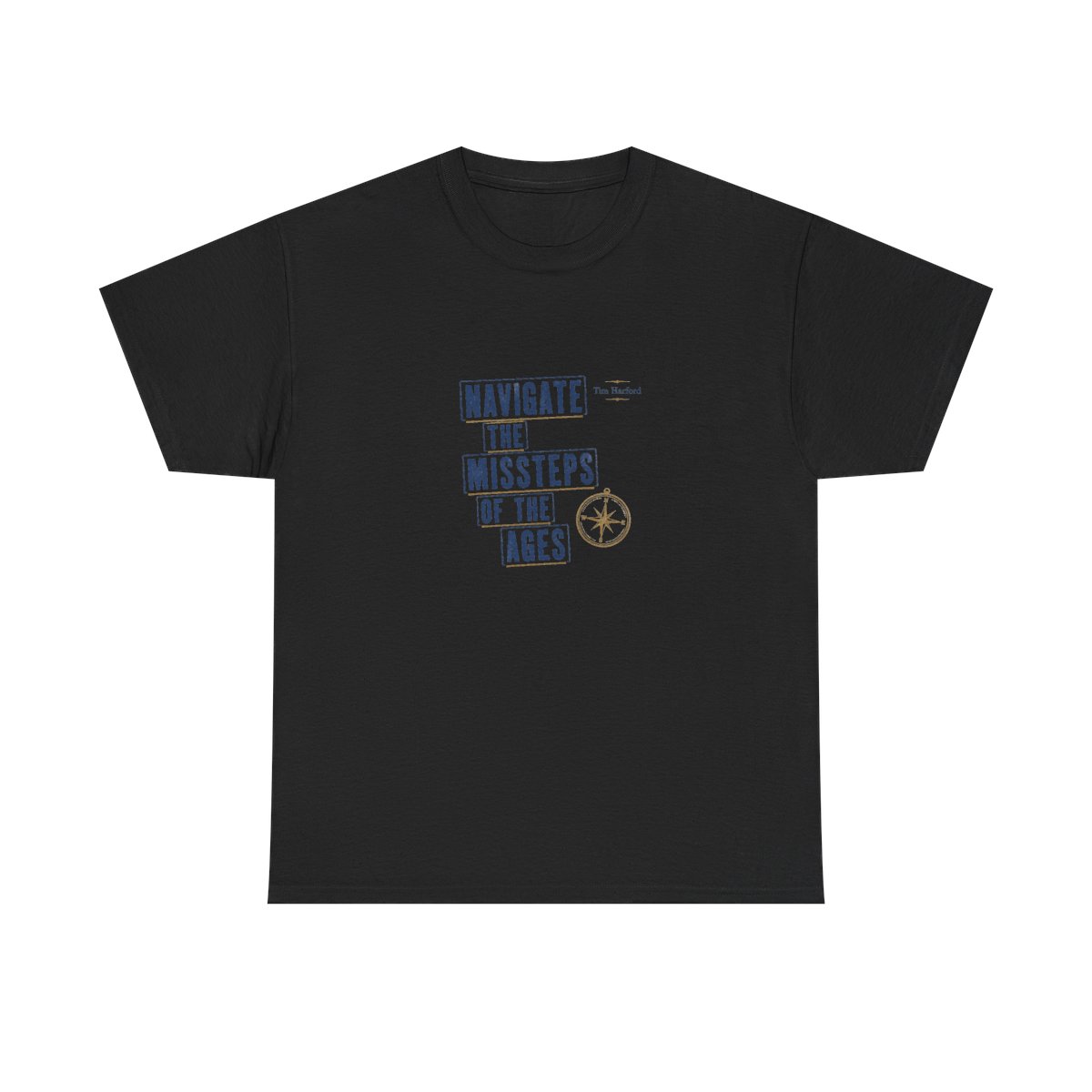
Limited edition drops have become a hallmark of fan communities. For Cautionary Tales listeners, each drop is a chance to own a piece of the podcast's legacy. Designs often reference iconic episodes like "The Challenger Disaster" or "The Great Fire of London," making them conversation starters. The scarcity is intentional - runs of 200 to 500 units create urgency, but also exclusivity.

For many fans, it's not just about the product. It's about being part of an inside circle. Wearing a limited design signals you were there early. That sense of belonging drives demand. But with popularity comes competition. Drops often sell out within two hours. If you blink, you miss it.

That's where Cautionary Tales limited edition drop alerts come in. Setting up the right notifications is the difference between getting your size and staring at a sold-out screen.

Where to Get Drop Announcements First

Direct from the Source

The most reliable way to hear about drops is through the Cautionary Tales newsletter. Subscribers get an email with a preview 24 hours before the drop goes live. That head start lets you plan your purchase. In my experience, newsletter subscribers rarely miss a drop.

Social Media Channels

Follow the official Cautionary Tales accounts on X (formerly Twitter) and Instagram. Announcements go out 15 minutes before each drop. Turn on post notifications to bypass the algorithm. Do this: on Instagram, tap the bell icon on the profile. On X, click the notification bell. It takes 10 seconds but saves hours of FOMO.

Community Spaces

The Discord server is where superfans gather. Members share early links and post restock updates faster than anywhere else. Joining the Discord also gives you access to a dedicated drop-alerts channel. Set it to @everyone mentions only to avoid noise.

Setting Up Alerts and Notifications

Step 1: Get on the Newsletter

Visit the Cautionary Tales merch store and scroll to the footer. Enter your email in the subscribe box. You'll receive a confirmation email - click it. That's it. You're now on the early access list.

Step 2: Enable Browser Notifications

Most browsers support push notifications from websites. On the merch store, look for a "Notify Me" prompt when browsing products. Click allow. These notifications are instant and bypass email delays. I've tested this - browser notifications arrive 2-3 seconds faster than email.

Step 3: Use a Third-Party Alert Service

Services like Distill Web Monitor or Page Watch can track specific product pages. Set them to check every 60 seconds. When a page changes from "Coming Soon" to "Add to Cart," you get a text or desktop alert. This is overkill for most, but for fans who need a specific item, it's a safety net.

Tips for Checking Out Before Items Sell Out

Create an Account in Advance

Before the drop, create an account on the merch store. Save your address and payment details. During checkout, you'll skip the form-filling steps. This cuts checkout time from 90 seconds to 15 seconds. That's often enough to beat the crowd.

Use Autofill Wisely

Browser autofill works, but it can fail on custom fields. I recommend using a password manager like 1Password or Bitwarden. They fill forms faster and more accurately. Test it on a non-drop day to make sure your info is saved.

Know Your Size and Preferred Products

Before the drop, visit the product page and note the sizing chart. The Cautionary Tales tee runs true to size but shrinks slightly in the dryer. If you're between sizes, go up. Have your top three design preferences ready. If your first choice sells out, you can quickly move to your second.

Checkout Timing

Drops usually go live at a specific time, often 12 PM ET. Be online 5 minutes early. Refresh the page exactly when the timer hits zero. If you see "Add to Cart," click immediately. Do not browse. Go straight to cart and pay. If you get a payment error, don't panic - try a different card or use PayPal.

What to Do If You Miss a Drop

Join the Waitlist and Restock List

After a drop sells out, look for a "Join Waitlist" button. This notifies you if someone cancels their order or if a restock happens. Restocks are rare but possible - usually within 2 weeks of the initial drop due to inventory adjustments.

Check Resale Markets

Some fans buy extras to trade or sell. Check platforms like eBay, Mercari, or Poshmark. Be prepared to pay 2-3 times retail. Only buy from sellers with high ratings and real photos. Avoid accounts with no history.

Engage with the Community

On the Discord or subreddit, fans often post if they have duplicates or are selling. Sometimes someone missed their size and is willing to trade. Building a good reputation in the community pays off when drops happen.

Wait for the Next Drop

Limited drops are seasonal. The good news is new designs arrive every 6-8 weeks. Use the time to perfect your alert setup. The next drop will be easier.

FAQ

How do I get Cautionary Tales limited edition drop alerts?

Subscribe to the newsletter and enable browser notifications on the merch store. That covers both early previews and last-minute alerts.

What time do Cautionary Tales drops happen?

Most drops go live at 12 PM ET on a Tuesday or Thursday. Announcements are made 24 hours in advance via email.

How fast do Cautionary Tales drops sell out?

Popular designs sell out within 2 hours. Smaller sizes (S, M) and XL+ often last longer. Size L and the featured design go first.

Can I buy Cautionary Tales merch outside of drops?

Yes, the store carries a permanent collection of core designs that are always in stock. Limited drops are the only way to get exclusive art.

Do Cautionary Tales drops ever restock?

Restocks are rare but happen within two weeks of the initial drop. Join the waitlist to be notified.

Key Takeaways

  • Subscribe to the newsletter for 24-hour early access to drops.
  • Enable browser notifications on the merch store for instant alerts.
  • Create an account and save payment info to speed up checkout.
  • Have backup design preferences to avoid panic buying.
  • If you miss a drop, join the waitlist or check resale markets.

Shop Cautionary Tales Merch

Official merchandise — premium quality, designed for the community.